
You can change your Minno email any time in your account settings by completing the following steps:
- Log into your Minno account using your Minno current email.
- Click on the Family icon on the top right-hand side.
- Click on "Settings".
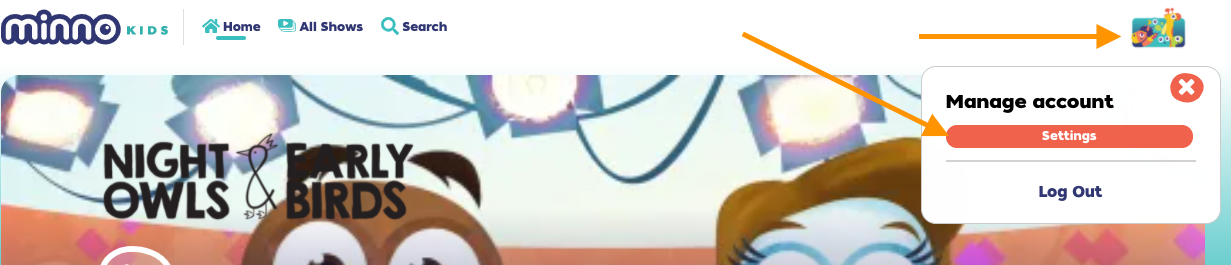
- Click "Profile".
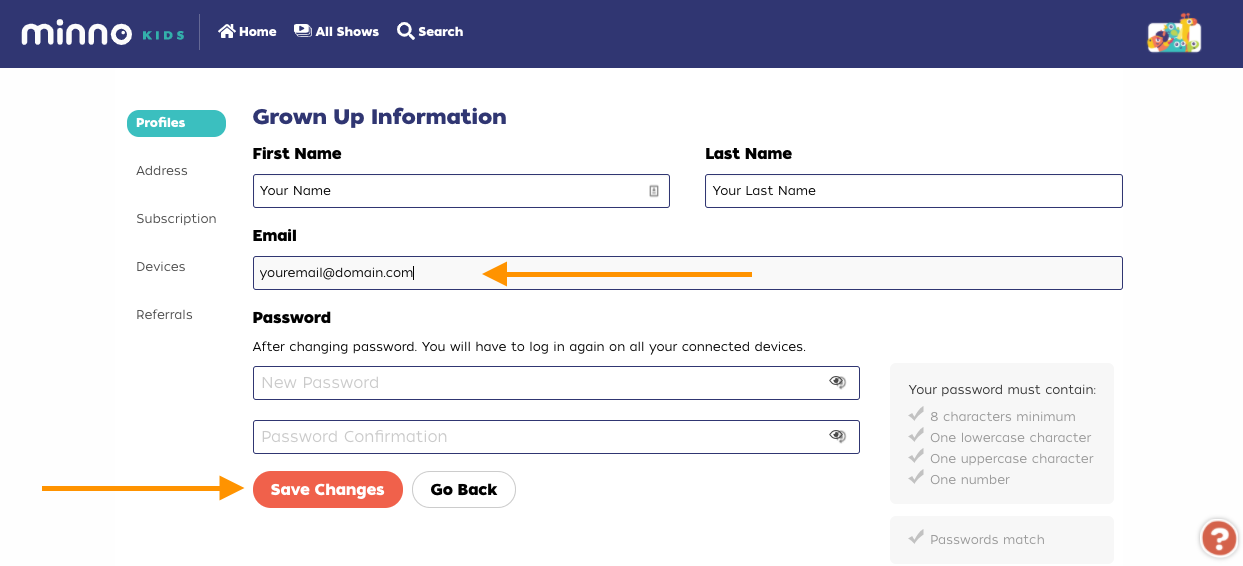
- Click "Manage Account" next to your email address.
- Erase your current email address and type the one.
- Once done, click "Save Changes" and follow the steps to verify your email.
Still have questions or experiencing issues? We'd love to help! Reach out to us by clicking on the Contact option on the right upper side of the screen or by sending an email to support@gominno.com. Please include your Minno email address, the device you're using and details about the issue you're having. Thanks!