
To subscribe to Minno through the Google Play Store, follow the instructions below:
- Open the Google Play Store app (Note: you can also go to play.google.com)
- Search for Minno Kids
- Select Minno Kids
- Tap Install
-
Open the app once it's downloaded
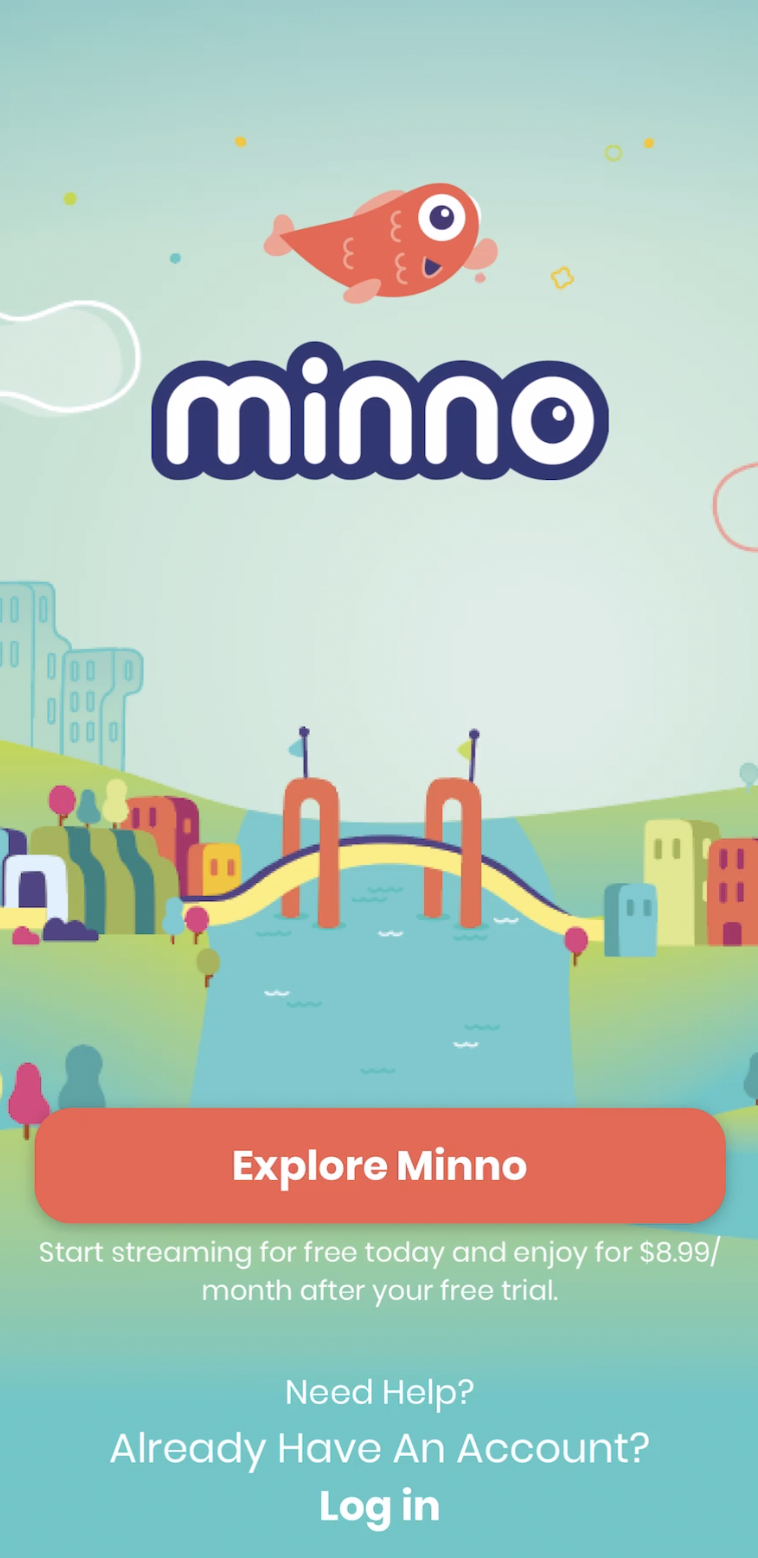
- Once you have the app installed, open it and tap "Explore Minno"
- On the top of the screen, you will see a banner with a thumbnail and a button that says "Start your FREE Week". Tap on it, then hit "Start Your FREE Trial".
- Follow the prompts to create an account.
- After you have created the credentials, you will be asked to verify your email address. Open your inbox and copy the verification code we'll send you. Then paste it on the Minno Kids app to verify it (If you don't see the email in your primary inbox, please review junk/spam/promotions/trash folders as well).
- After the verification steps are done, you will be able to select a price plan.
- Once you have selected the plan, tap "Subscribe", and then you might be prompted to enter/verify your Android account to complete the transaction.
- Once done, you'll be all set up!
Still have questions? Send us an email at support@gominno.com. We'd be more than happy to help!